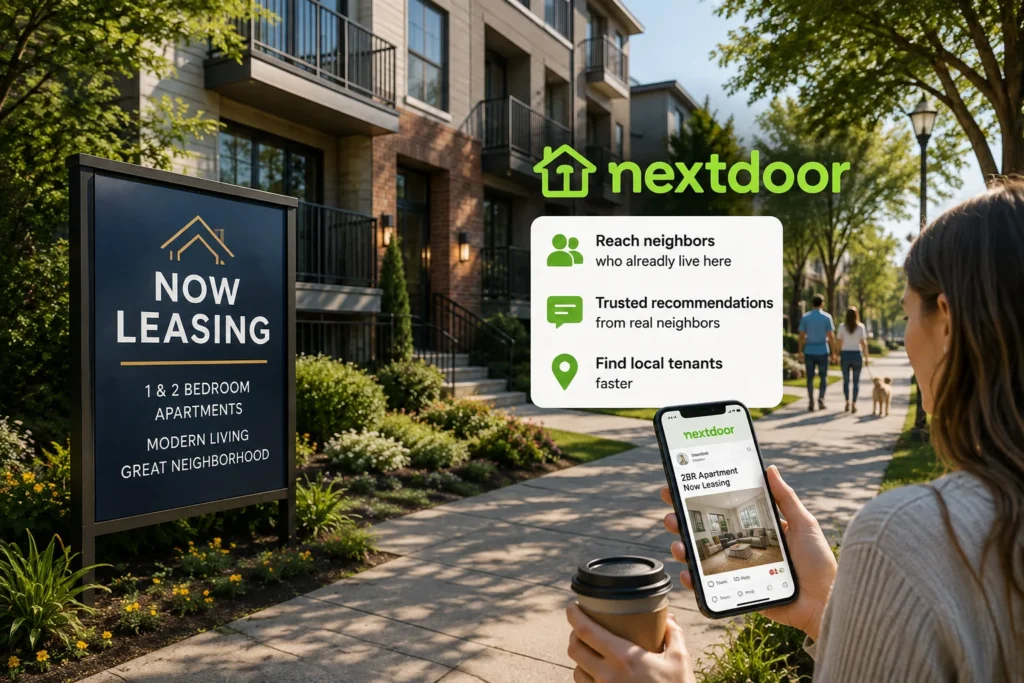
Most rental searches start on Zillow or Apartments.com, but those platforms put a property in front of anyone, anywhere — including renters who have never set foot in the neighborhood. Nextdoor works differently.
Every person browsing it already lives nearby, which makes it one of the few channels where a listing reaches people who already know the block, the schools, and the commute.
For property managers juggling vacancies across several buildings or landlords with just one unit to fill, Nextdoor can shorten the time a unit sits empty — but only when it’s used the way neighbors actually expect local content to look.
Why Nextdoor Works Differently for Rentals
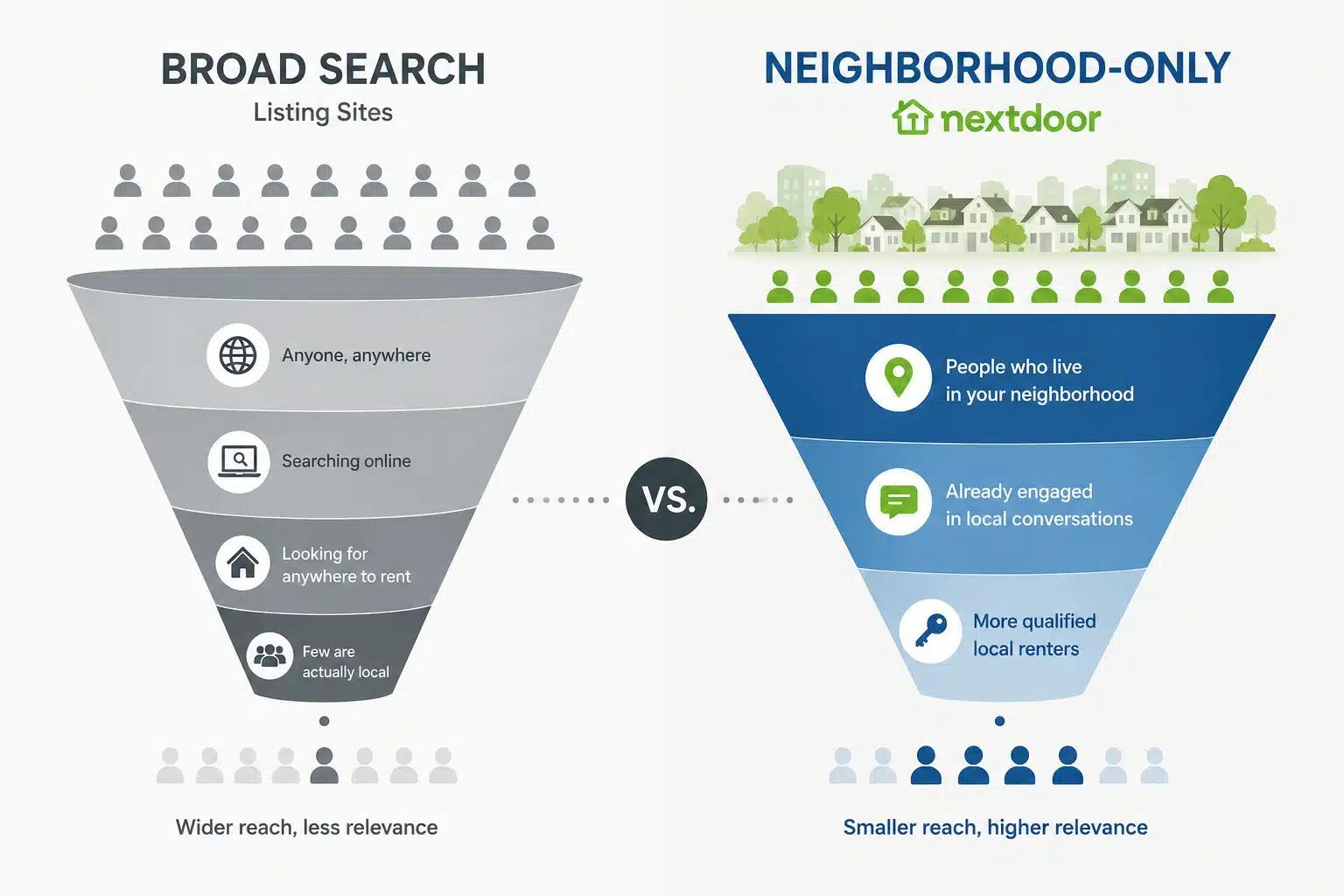
Renters already vetting the neighborhood, not just the unit
Nextdoor users are hyperlocal by default — they’re asking about school districts, noise, parking, and safety before they ever see a listing. A rental post that speaks to those existing conversations converts differently than a generic listing photo dump.
Word of mouth carries more weight than photos
On Nextdoor, a neighbor’s comment (“I used to live in this building, great management”) does more for a listing than another exterior photo. Reviews and recommendations function as informal references most listing sites can’t replicate.
Lower competition than saturated rental sites
Most property managers haven’t discovered Nextdoor as a leasing channel yet, so a well-placed post often faces far less competition for attention than the same listing on Zillow or Craigslist.
Setting Up a Nextdoor Presence for Property Management
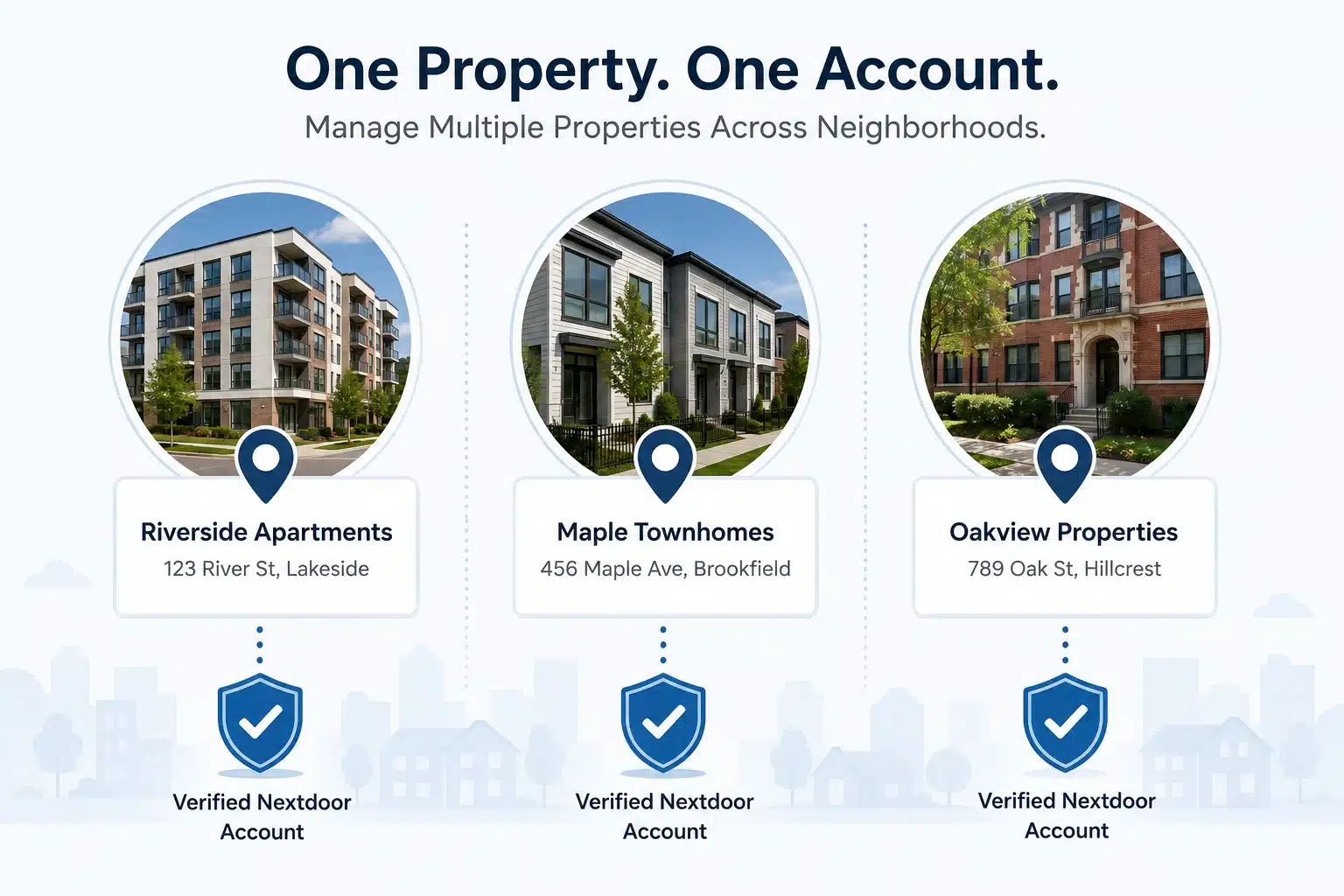
Business Page per property or per portfolio?
For a single building or complex, a dedicated Business Page tied to that address makes sense. For a management company overseeing multiple properties across different neighborhoods, a separate verified account per property is usually necessary — Nextdoor’s verification and neighborhood boundaries are address-specific, so one account can’t represent buildings in different neighborhoods credibly.
Verifying at the property address
Walk through Nextdoor’s standard business verification: phone number, address match, and (where required) supporting documents. Note that property managers verifying under a management company name should be prepared for Nextdoor to request proof connecting that company to the specific building’s address.
What to fill out in the profile
- Property type and unit mix in the business description
- Office hours or leasing hours
- A link to the property’s own listing page or portal
What to Post When You’re Leasing
- The vacancy post that doesn’t feel like an ad: Frame the post around neighborhood life first, unit second: “Now leasing a 2BR two blocks from the Riverside dog park” reads better locally than a bare price-and-square-footage post.
- Answering neighborhood questions directly: Actively respond to existing Nextdoor threads about “anyone know of rentals nearby” — this is often more effective than a standalone post, since it reaches people already actively searching.
- Highlighting move-in specials without sounding like spam: Keep promotional language minimal; Nextdoor communities respond better to a plain, factual mention of a discount than a bolded “LIMITED TIME OFFER” style post.
- Posting cadence for ongoing vacancies: For properties with recurring turnover, avoid re-posting the identical listing every few days — space postings out and vary the framing (unit features one week, neighborhood highlights the next) to avoid reading as repetitive advertising.
Screening Considerations Unique to Nextdoor
- Unlike listing sites, Nextdoor conversations are public to the neighborhood, so avoid posting specific applicant details or screening criteria that could read as exclusionary in a public thread
- Direct messages are useful for the back-and-forth of scheduling showings, but formal applications and lease documents should move to a proper leasing platform, not stay inside Nextdoor DMs
Scaling Nextdoor Across Multiple Properties
For a management company handling several buildings, each in a different neighborhood, the same structural limit shows up here as in agency work more broadly: Nextdoor ties one verified account to one address, with no built-in way to manage several properties from a single login. Companies expanding into new neighborhoods often need to stand up a new, separately verified account for each building rather than trying to stretch one account across service areas it doesn’t actually belong to.
Buy Verified Nextdoor Accounts → — useful when onboarding a newly acquired property into a neighborhood where the company doesn’t yet have a verified presence, without waiting through a from-scratch verification cycle for every new address.
FAQ
Can I post rental listings on Nextdoor?
Yes. Property managers and landlords can post vacancies through a verified Nextdoor Business Page tied to the property’s address. Posts perform best when they reference neighborhood details — schools, parks, commute — rather than reading like a generic listing-site ad.
Does Nextdoor charge for rental listings?
Nextdoor doesn’t operate a dedicated paid listings marketplace the way Zillow or Apartments.com do. Property managers post through their free Business Page, with paid neighborhood sponsorship or ad options available separately for wider local reach.
How is Nextdoor different from Zillow for finding tenants?
Zillow reaches renters searching broadly by criteria like price and bedrooms, regardless of familiarity with the area. Nextdoor reaches people who already live in or near the neighborhood, which tends to produce inquiries from renters already sure they want that specific area.
Can a property management company run Nextdoor for multiple buildings?
Only with a separate verified account per property, since Nextdoor ties each Business Page to one address and neighborhood. There’s no built-in multi-property dashboard, so companies with buildings across different neighborhoods manage each as its own account.