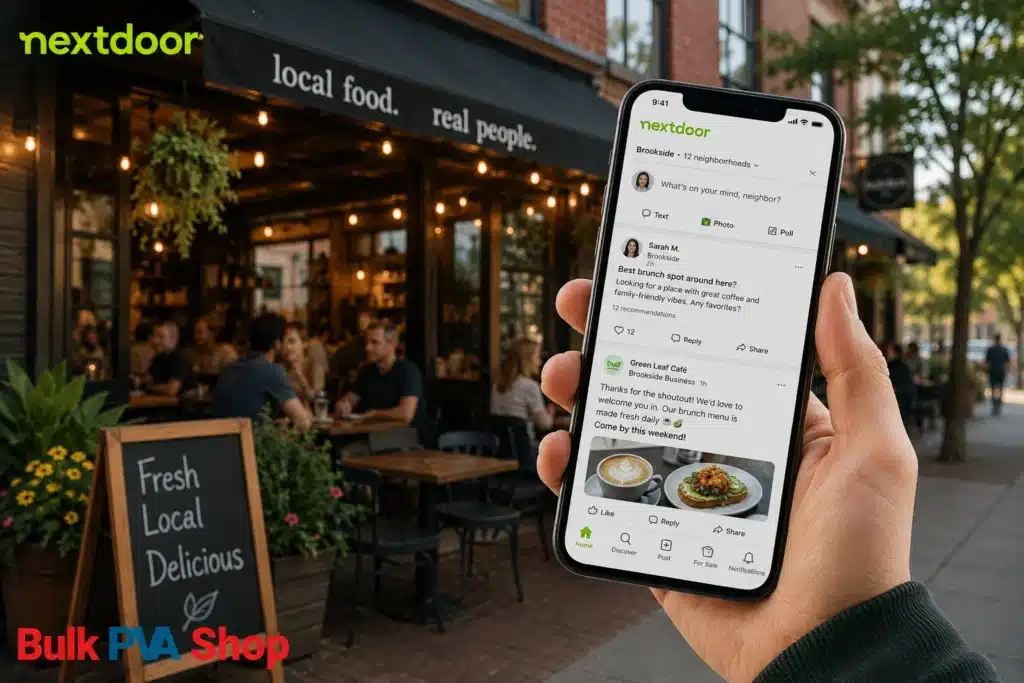
Most restaurants put their marketing budget where the competition is loudest — Instagram, Google Ads, maybe a third-party delivery app boost. Meanwhile, the people most likely to actually walk through the door are quietly trading recommendations a few streets away on an app most restaurants have never opened: Nextdoor.
That’s a missed opportunity. Nextdoor isn’t a place where people scroll for entertainment — it’s a place where verified residents go specifically to ask, “where should I eat tonight?” or “what’s a good spot for a birthday dinner near me?” For a restaurant, that’s about as close to a captive, hungry, local audience as marketing gets.
Here’s exactly how to use it.
Why Nextdoor Is Worth a Restaurant’s Time
Nextdoor works differently from every other platform a restaurant might already be on. If you’re not familiar with the basics of the platform yet, it’s worth reading up on what Nextdoor actually is before diving into the restaurant-specific tactics below — but the short version is this: every member has a verified home address, and everything they see is filtered to their neighborhood.
That single design choice changes everything about how marketing works on the platform:
- There’s no “going viral” outside your delivery radius. A post from your restaurant is shown to the people who live close enough to actually visit. You’re not competing for attention with someone three states away.
- Recommendations carry real weight. Because every account is tied to a real address, a neighbor saying “this is my favorite Thai place” reads very differently than an anonymous five-star review on a site nobody trusts anymore.
- People come to Nextdoor already looking for restaurant suggestions. Threads like “best brunch nearby?” or “anyone tried the new pizza place on Elm?” pop up constantly. You don’t have to interrupt anyone — you just have to be findable in the conversation that’s already happening.
- Food and dining is one of the most active categories on the platform. Local restaurants are consistently among the most-recommended business types on Nextdoor, right alongside home services like plumbers and electricians.
If you’re trying to decide where to put your next chunk of local marketing effort, it’s worth comparing Nextdoor against the platform most restaurants default to — there’s a detailed breakdown of how Nextdoor stacks up against Facebook for local marketing that’s worth a look before you split your attention three ways.
Step 1: Claim and Fully Build Out Your Business Page
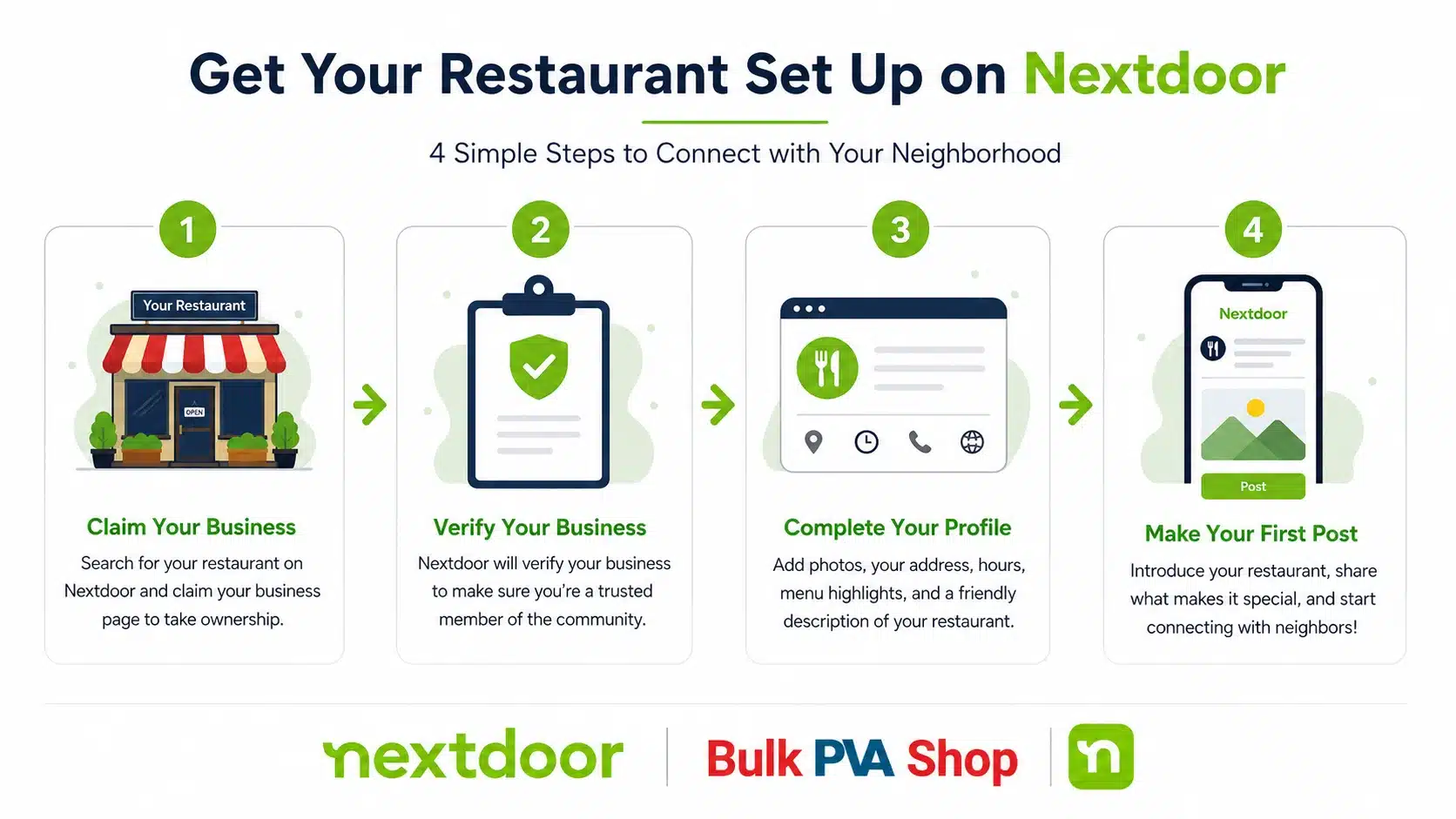
Before any of the tactics below will work, you need a real, complete Business Page. This is non-negotiable — an incomplete profile is the single biggest reason restaurants get overlooked even when neighbors are actively searching for a place to eat.
To set it up:
- Go to business.nextdoor.com and claim or create your Business Page using your restaurant’s name, exact address, and category (this determines which neighborhoods see you).
- Verify your business. Nextdoor confirms you’re a real, operating business — usually through a postcard, phone call, or email check tied to your address. This step matters: verified pages get more trust and more visibility than unverified ones.
- Fill in everything. Hours, menu link or PDF, phone number, website, takeout/delivery links, and several real photos of the food, the dining room, and the storefront. A restaurant page with food photos converts curiosity into visits far better than a bare-bones listing.
- Add a short, specific description. Skip generic phrases like “great food, great service.” Say what kind of food you serve, what makes it different, and what neighborhood landmark you’re near — that’s the language people actually search for.
If you want the fuller mechanics of how business accounts function on the platform — free features versus paid tools, how the algorithm decides what to show — it’s covered in more depth in this guide on how Nextdoor works once you’re set up as a business.
Step 2: Turn Real Customers Into Recommendations
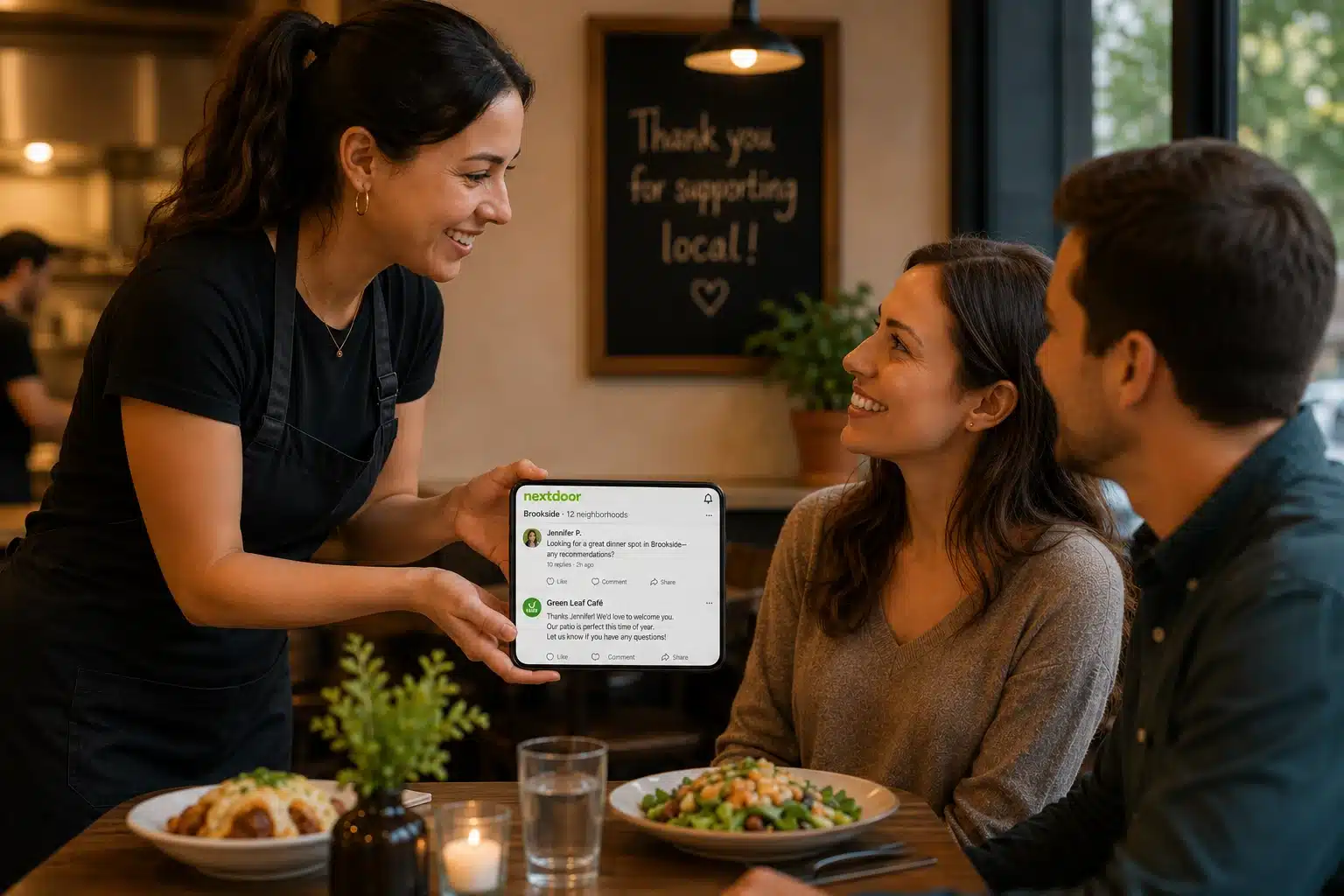
Recommendations are the engine of Nextdoor. They function like reviews, but because they’re tied to a verified neighbor rather than an anonymous username, they’re trusted far more — and they directly boost how often your restaurant shows up in local searches.
The good news: you don’t need a clever trick to get them. You need to ask, at the right moment, in the right way.
- Ask in person, right after a good experience. A server or owner saying “if you enjoyed your meal, we’d really appreciate a recommendation on Nextdoor” works better than any digital nudge.
- Add a small table card or a line on the receipt pointing happy customers to your Business Page.
- Never offer a discount or freebie in exchange for a recommendation. This crosses into incentivized reviews, which violates Nextdoor’s guidelines (and similar rules from the FTC around manufactured reviews) and can get a real, hard-earned Business Page suspended. The fastest way to lose all your credibility on a trust-based platform is to fake the trust.
- Respond to every recommendation you get — a genuine, specific thank-you signals to anyone reading later that you actually care about the people who eat there.
There’s a full, dedicated walkthrough on this exact topic — worth reading end to end — on how to get more recommendations on Nextdoor, including timing, wording, and common mistakes that quietly kill response rates.
Step 3: Show Up Where People Are Already Asking for Restaurant Suggestions
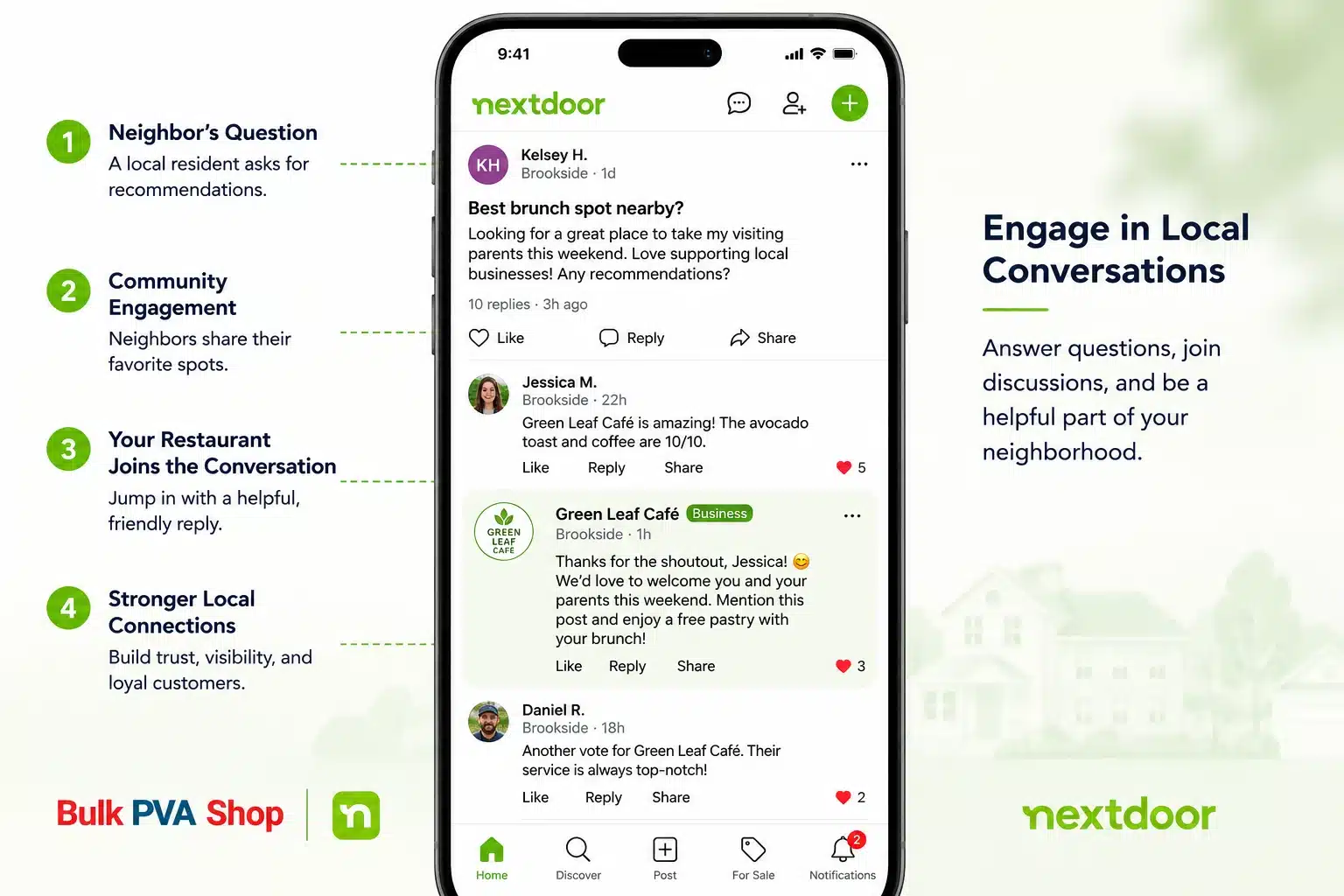
One of the most underused tactics on Nextdoor is also the simplest: search your own neighborhood feed for posts where neighbors are asking for dining recommendations, and jump in.
Threads like “best place for a date night around here?” or “where can I get good takeout that’s actually fast?” happen constantly. If your restaurant fits the ask, a short, genuine, non-pushy reply — not a sales pitch — gets you discovered by people who are deciding where to eat right now.
A few rules that make this work instead of backfire:
- Reply as your business, not as a disguised customer.
- Keep it short and specific: mention the dish or detail that’s actually relevant to what they asked.
- Don’t reply to every single food thread in the neighborhood — only the ones where you’re a genuine fit. Overdoing this reads as spammy fast.
Step 4: Post Content Neighbors Actually Want to See
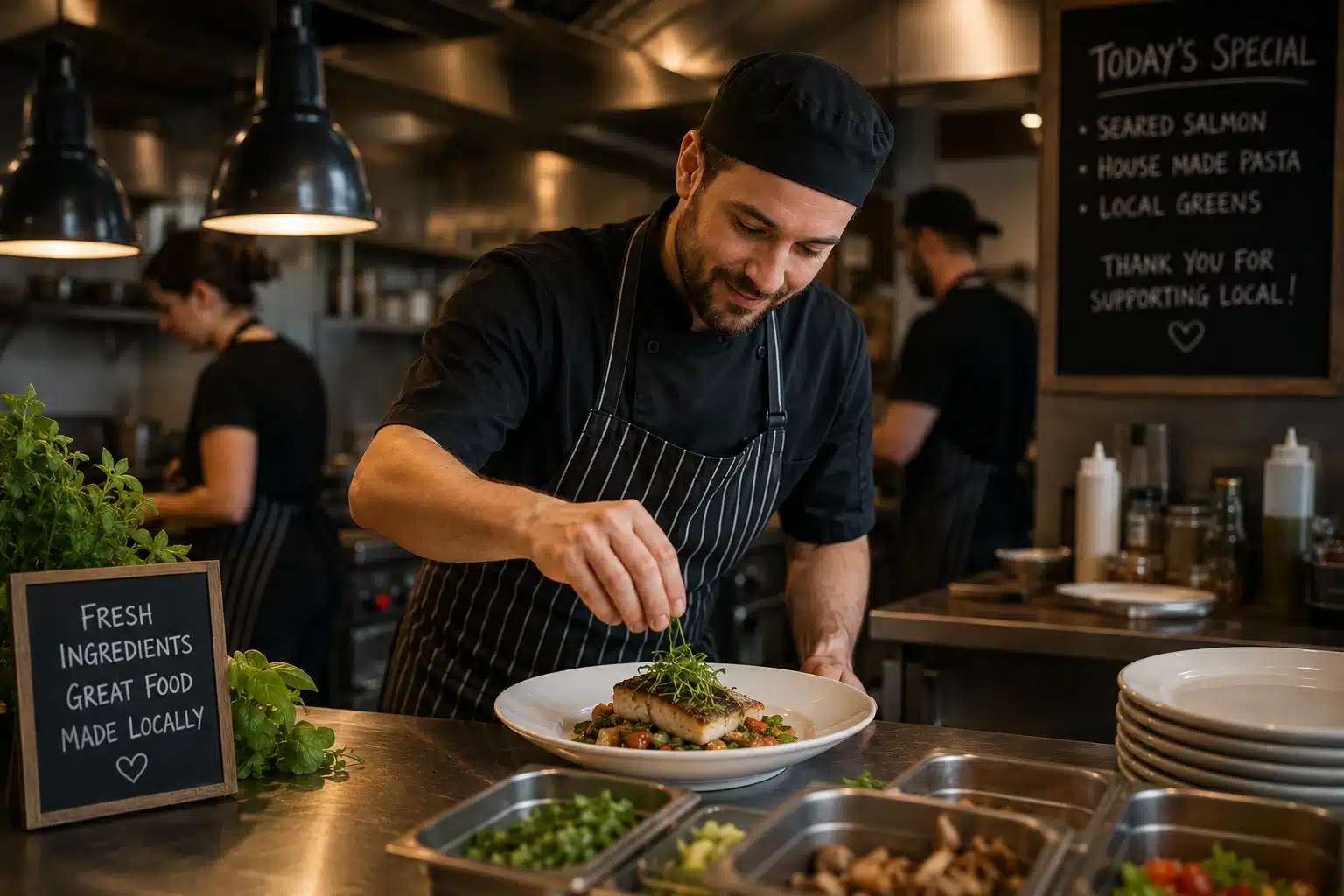
Posting purely promotional content (“20% off this weekend!”) gets ignored quickly. Posting content that feels like it’s coming from a neighbor — not an advertiser — performs dramatically better.
Things that tend to work well for restaurants specifically:
- Behind-the-scenes posts. A new dish being plated, a staff member’s story, why you source a particular ingredient locally.
- Genuinely useful local content. “Here’s our pick for the best 3 patio spots to eat outside this month” (including competitors) builds far more trust than it costs you in business.
- Community participation. Sponsoring a local Little League team, donating leftover bread to a shelter, hosting a fundraiser night — these are exactly the kind of posts that get shared and commented on.
- Seasonal and timely posts. A “what’s in season right now” post tied to your menu changes feels native to the platform instead of like an ad dropped into it.
Aim for two to three posts a week. A restaurant that posts once and disappears for a month looks inactive; consistent presence is what the algorithm — and neighbors — reward with attention.
Step 5: Use Local Deals for Time-Sensitive Pushes
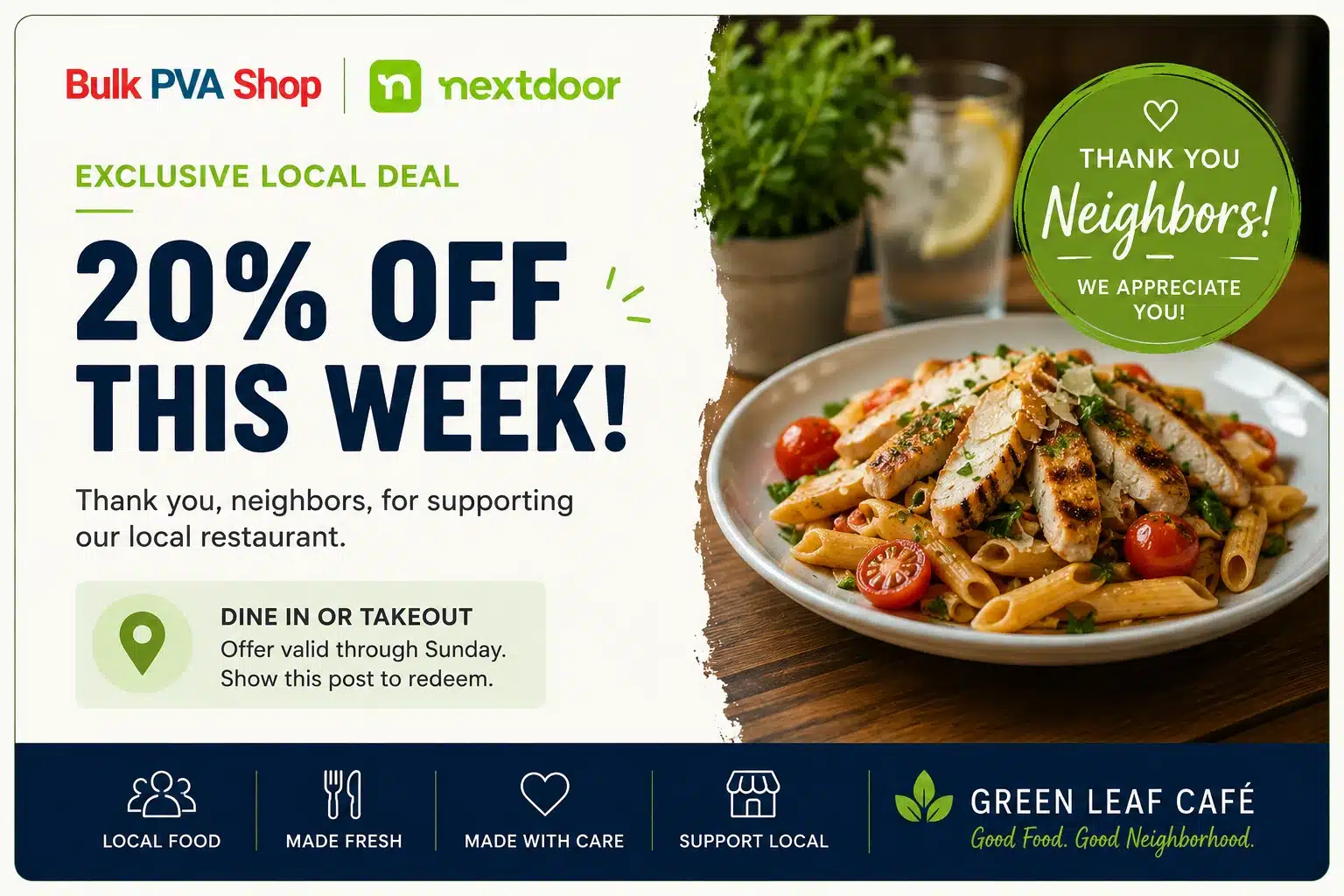
Once your organic presence is established, Nextdoor’s paid Local Deals tool is worth testing for specific, time-limited goals — a slow Tuesday night, a soft launch of a new menu, filling tables during an off-season month.
Local Deals appear directly in the feeds of nearby members and let you set the offer yourself: a percentage off, a fixed discount, a buy-one-get-one, or something more creative like a free appetizer with a group reservation. They work best when:
- The offer is genuinely time-limited (creates a real reason to act now, not “someday”).
- The radius is tightly set to people who can realistically walk in or order from you.
- It’s layered on top of an already-active organic presence, not used as a substitute for one.
Step 6: Get Involved Beyond Your Own Page
The restaurants that do best on Nextdoor over the long run aren’t the ones posting the most ads — they’re the ones acting like an actual member of the neighborhood. That means:
- Commenting on non-restaurant community posts occasionally (a local event, a road closure, a fundraiser) just as a present, helpful local business.
- Showing up for community moments: sponsoring a block party, donating a gift card to a local school raffle, hosting a neighborhood meetup at the restaurant.
- Treating every Nextdoor interaction — a comment, a recommendation reply, a DM — as a small piece of your restaurant’s local reputation, because on this platform, reputation is the entire currency.
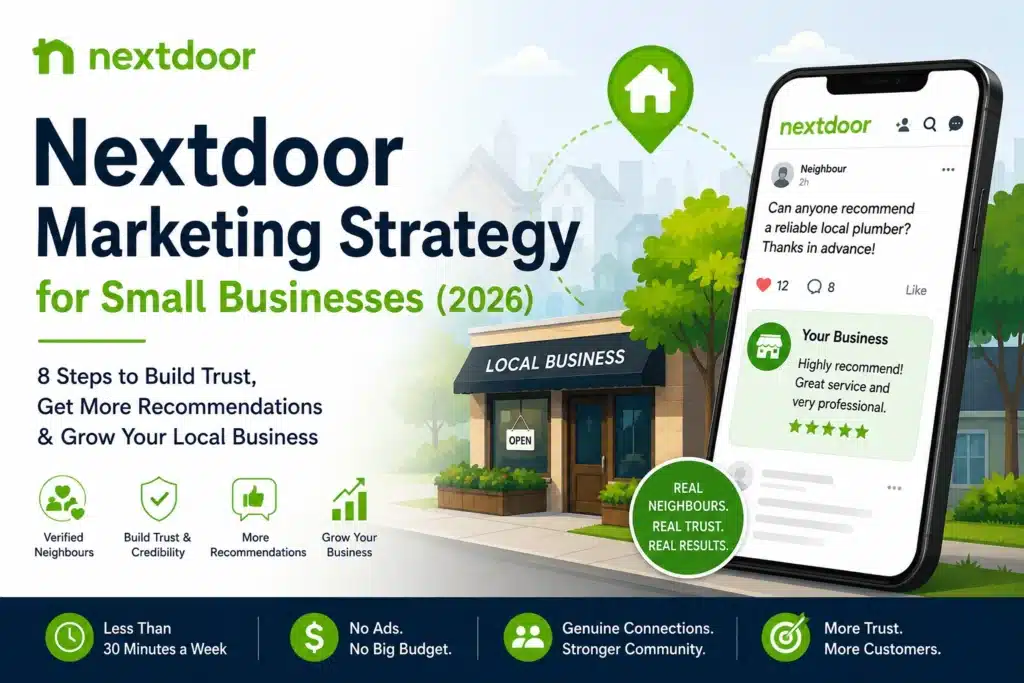
If you want a broader framework for tying all of this together into a repeatable monthly routine rather than one-off posts, this Nextdoor marketing strategy guide for small businesses lays out a more complete cadence you can adapt for a restaurant specifically.
A Quick Word on What Not to Do
Because Nextdoor’s entire value comes from verified, real neighbors trusting each other, anything that fakes that trust tends to backfire badly and can get a Business Page suspended or banned outright:
- Don’t buy or fake reviews/recommendations, and don’t pay or incentivize customers for them.
- Don’t create multiple personal accounts to “recommend” your own restaurant.
- Don’t argue publicly with a negative recommendation — respond calmly, take it offline if needed, and let your overall pattern of genuine recommendations speak louder than one bad night.
The platform rewards patience and authenticity more than almost any other channel a restaurant can use. A handful of real, glowing recommendations from actual regulars will do more for your table count than any shortcut.
Putting It Together
Nextdoor won’t replace your other marketing channels, but it fills a gap none of them do well: it puts your restaurant directly in front of the exact people who live close enough to become regulars, at the exact moment they’re deciding where to eat. Claim your page, ask happy customers for recommendations the right way, show up in the conversations already happening in your neighborhood, and post like a neighbor instead of an advertiser — and the table count follows.
FAQs
Q: How can a restaurant use Nextdoor to get more customers?
A: A restaurant can use Nextdoor by claiming a free, fully completed Business Page, earning genuine recommendations from real customers, replying to neighbors who ask for dining suggestions, and posting useful, non-promotional content two to three times a week. Together, these build the local trust that drives foot traffic.
Q: Is Nextdoor free for restaurants?
A: Yes. Creating and fully completing a Business Page, posting updates, responding to recommendations, and appearing in local searches are all free. Paid tools like Local Deals and Neighborhood Sponsorships are optional and best used once an organic presence is already established.
Q: How do restaurants get recommendations on Nextdoor?
A: The most effective way is asking happy customers in person, right after a good meal — a short, genuine request like “we’d appreciate a recommendation on Nextdoor” works best. Offering discounts or freebies in exchange for a recommendation violates Nextdoor’s guidelines and should be avoided.
Q: Why is Nextdoor good for local restaurant marketing?
A: Nextdoor verifies every member’s home address, so content is shown only to people who live close enough to actually visit. Recommendations carry more weight than typical online reviews because they come from real, identifiable neighbors rather than anonymous accounts — and dining is consistently one of the most-recommended categories on the platform.
Q: What should restaurants post on Nextdoor?
A: Restaurants get the best engagement from behind-the-scenes content, seasonal menu updates, community involvement (sponsorships, fundraisers, local events), and helpful local posts — not direct ads. Purely promotional posts tend to get far less engagement than content that feels like it’s coming from a neighbor.
Q: Can restaurants run ads on Nextdoor?
A: Yes. Nextdoor offers Local Deals, which let restaurants promote a specific, time-limited offer — like a discount or a free appetizer — directly in the feeds of nearby residents. These work best as a short-term boost layered on top of an already-active free Business Page, not as a replacement for one.
Q: How often should a restaurant post on Nextdoor?
A: Two to three times per week is a good baseline. Restaurants that post consistently are treated as more active and relevant by Nextdoor’s algorithm, while accounts that post once and go quiet tend to lose visibility quickly.