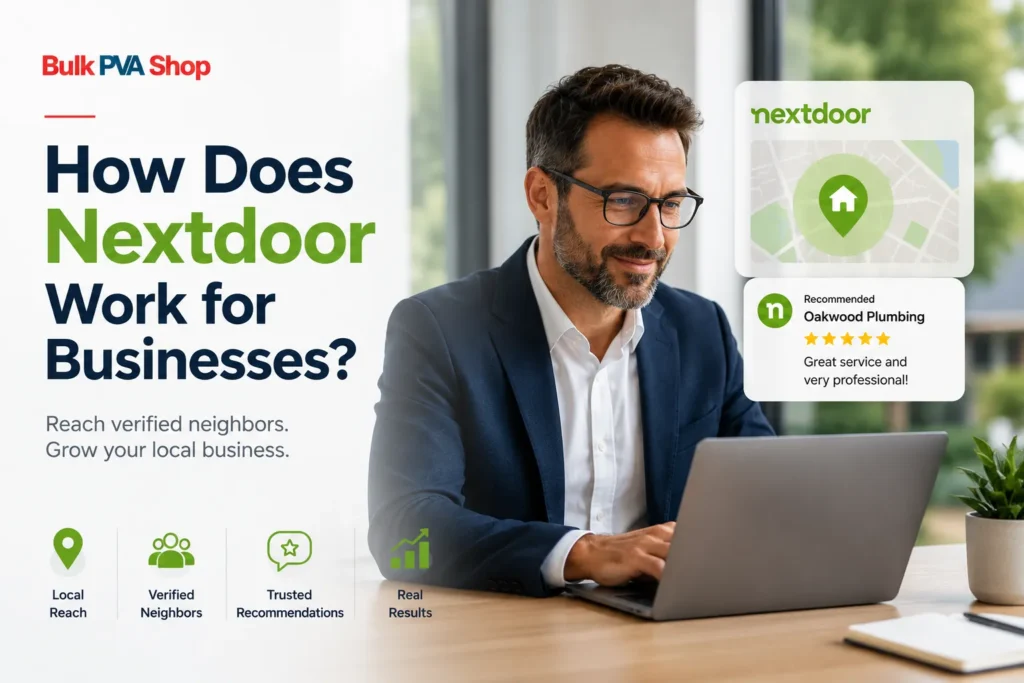
Nextdoor works for businesses by giving them a dedicated business profile that appears to verified residents in their local area. Unlike most social media platforms where content competes globally, everything on Nextdoor is filtered by location, which means when a local resident searches for a plumber, a restaurant, or a cleaning service, your business can appear directly in front of the right people at the right time.
But there is more to it than just creating a profile and waiting. This guide explains exactly how the platform works for businesses, what tools are available for free, where paid options come in, and how businesses that serve multiple neighbourhoods can expand their reach beyond a single location.
If you are new to Nextdoor and want to understand the basics of the platform first, read our guide: → What is Nextdoor?
What Makes Nextdoor Different for Businesses
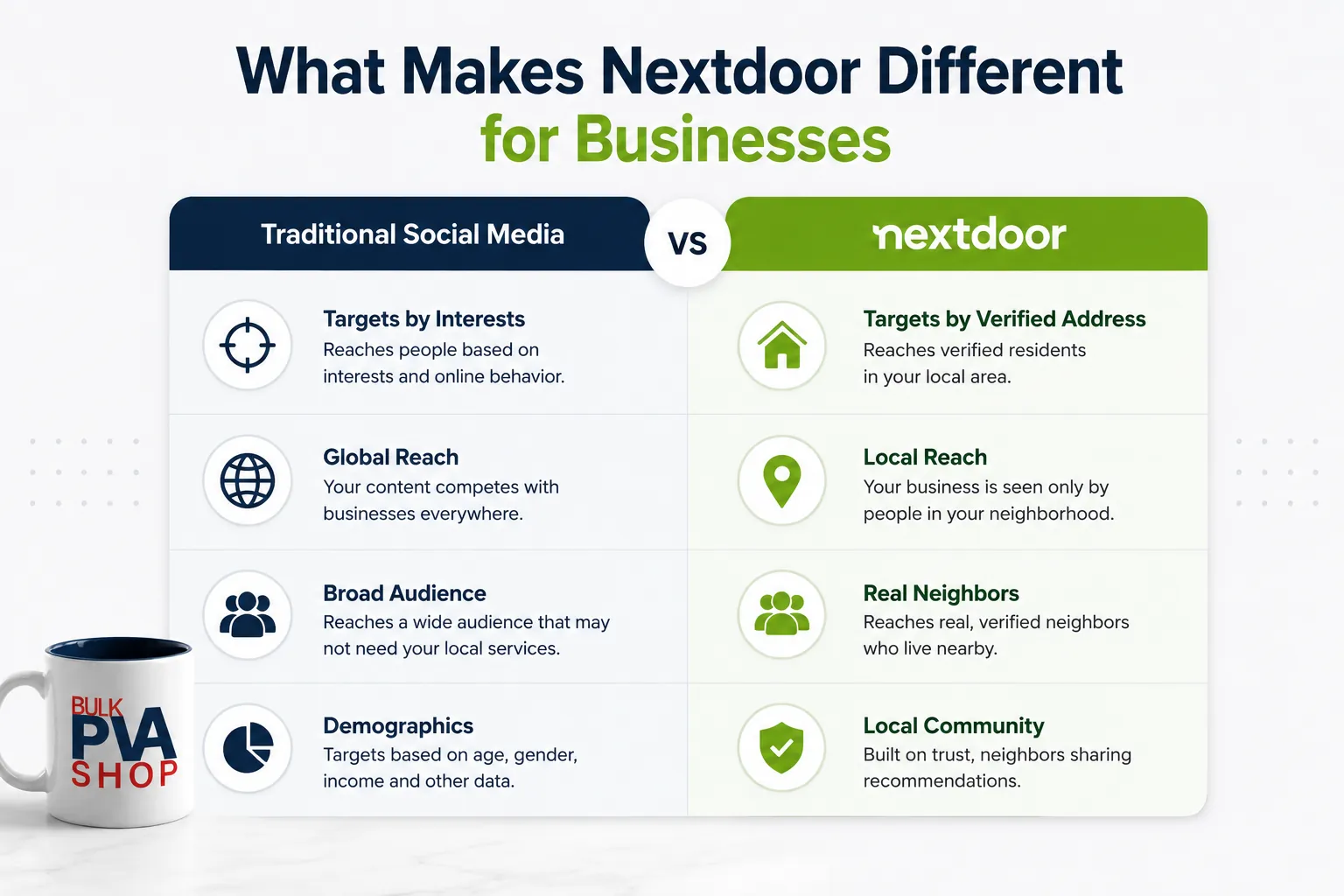
Most social media platforms let you target people by their interests, age, or online behaviour. Nextdoor does something completely different — it targets by verified home address.
Every person on Nextdoor has confirmed where they live. That means when a business appears on Nextdoor, it is appearing in front of actual, verified residents who live nearby. Not a broad audience. Not an approximate demographic. Real neighbours who are already looking for local services and recommendations.
This is why Nextdoor works so well for businesses that serve a specific area. A restaurant, a landscaper, a dentist, or a real estate agent does not need to reach people in another city. They need to reach people down the street. Nextdoor is the only major social platform built entirely around that idea.
How to Set Up a Business on Nextdoor
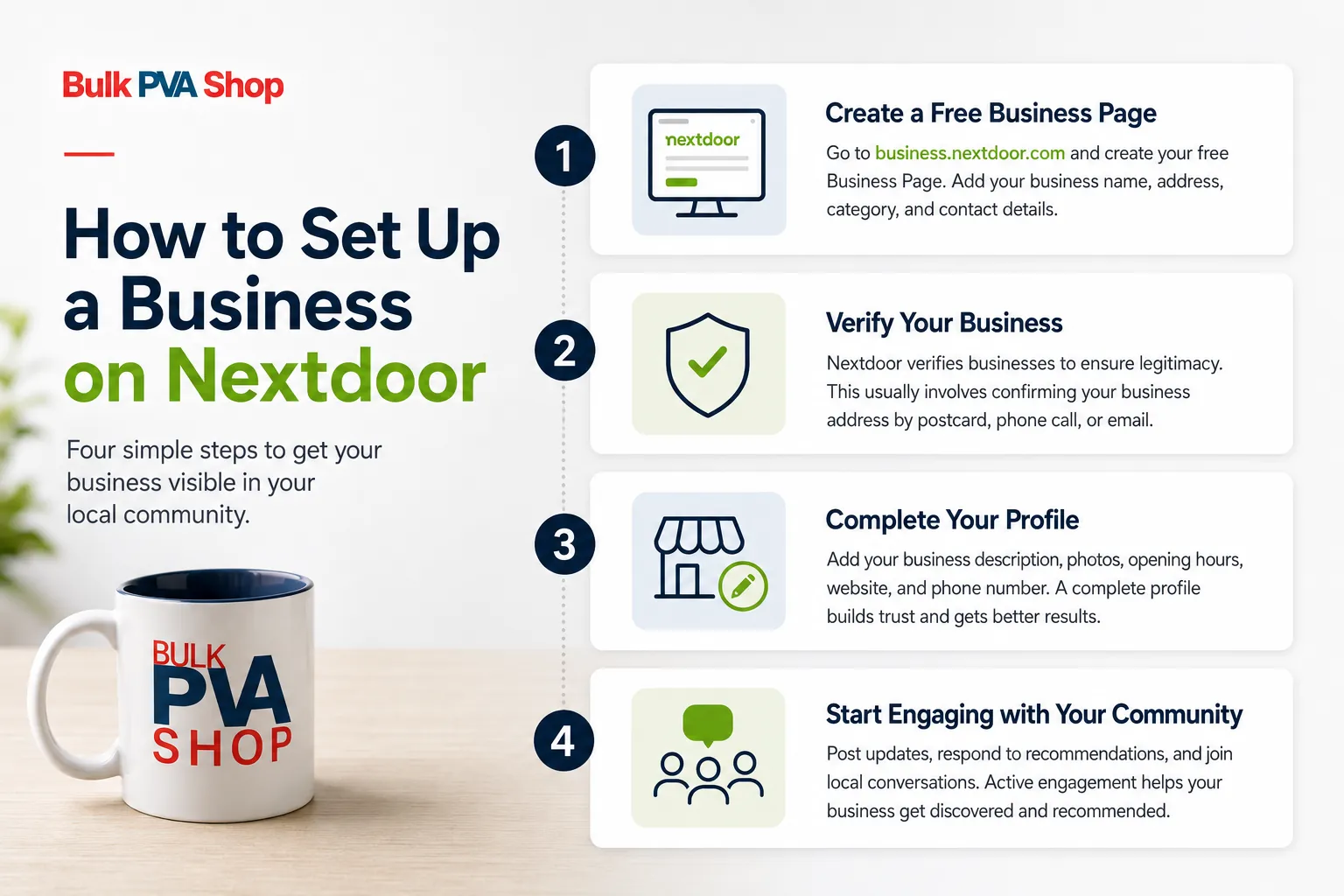
Setting up a business on Nextdoor is straightforward. Here is how it works:
- Step 1 — Create a free Business Page Go to business.nextdoor.com and create your free Business Page. You will need your business name, address, category, and contact details. The address you enter determines which neighbourhoods your business appears in.
- Step 2 — Verify your business Nextdoor verifies businesses to make sure they are legitimate. This usually involves confirming your business address through a postcard, phone call, or email — depending on your location. Verification builds trust with local residents and is required before your page becomes fully active.
- Step 3 — Complete your profile Add your business description, opening hours, website, phone number, and photos. A complete profile performs significantly better than an incomplete one. Residents are far more likely to contact a business whose profile answers their questions before they even need to ask.
- Step 4 — Start engaging with your local community Once your profile is live, you can post updates, respond to recommendations, and engage with local conversations. This is where most businesses either grow their presence or get ignored — depending on how actively they participate.
What Can Businesses Do on Nextdoor for Free?
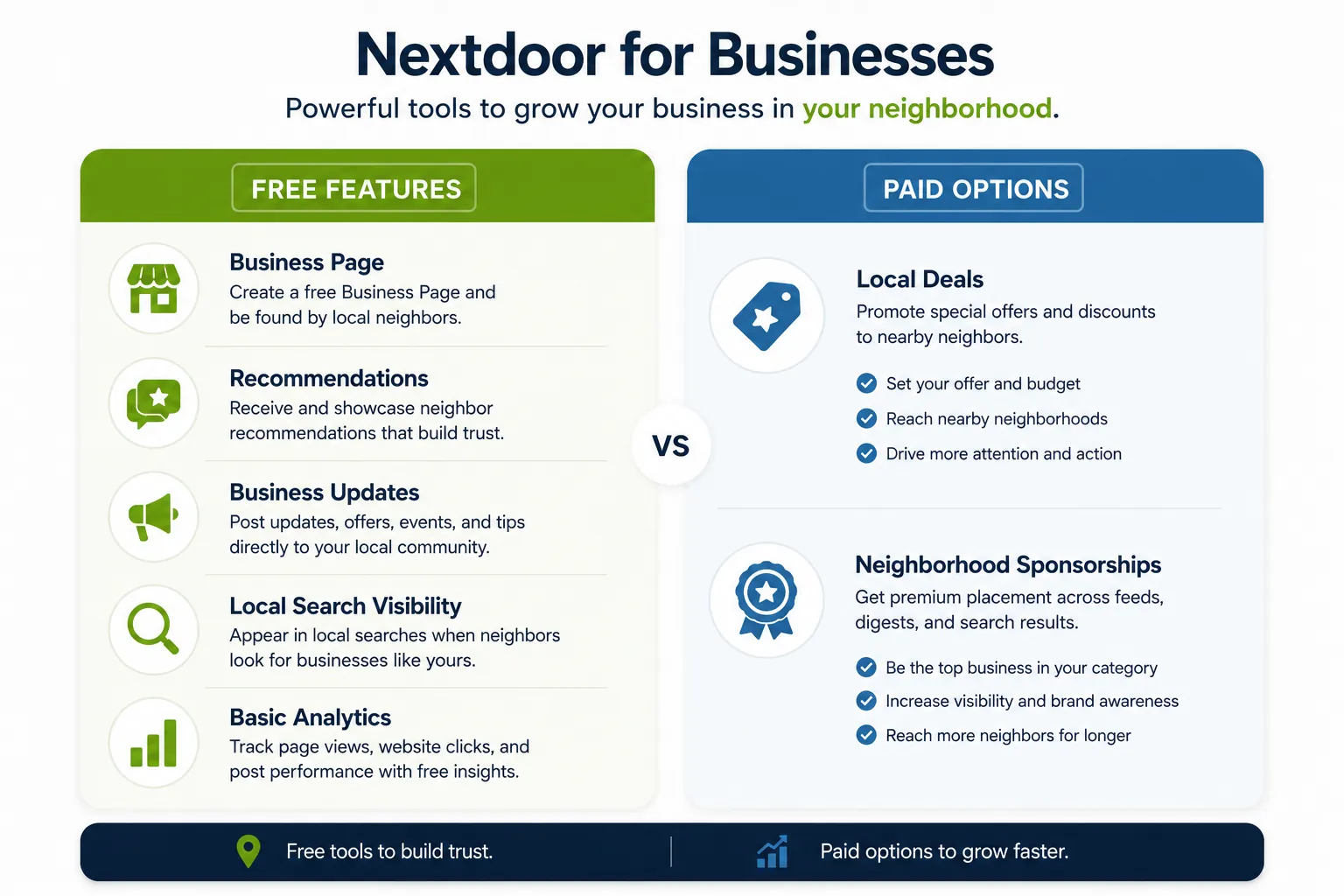
Nextdoor offers a strong set of free tools for businesses. Here is exactly what you can do without spending anything:
Post Business Updates You can post content directly to your local neighbourhood — news, offers, events, tips, or anything relevant to your community. These posts appear in the feeds of nearby residents and can be seen by anyone in your connected neighbourhoods.
Receive and Showcase Recommendations Nextdoor’s recommendation system is one of its most powerful features for businesses. When a neighbour recommends your business on Nextdoor, that recommendation is visible to everyone in the neighbourhood. It works similarly to a Google or Yelp review — but with one key difference. Because Nextdoor members are verified residents, a recommendation from a neighbour carries significantly more trust than an anonymous online review.
Respond to Neighbour Questions and Posts Local residents frequently ask Nextdoor for recommendations — “Does anyone know a good electrician nearby?” or “Which is the best pizza place in the area?” If your business is active on the platform, you can respond to these conversations and be discovered by people who are already looking for exactly what you offer.
Appear in Local Business Searches When residents search for a type of business on Nextdoor, your Business Page can appear in the results. A complete, verified profile with several recommendations will rank higher in these local search results than an incomplete one.
Access Basic Analytics Nextdoor provides free analytics showing how many people have viewed your page, how many have clicked through to your website, and how your posts are performing. This data helps you understand what content is working with your local audience.
Nextdoor Paid Options for Businesses
Beyond the free tools, Nextdoor offers two main paid options for businesses that want to reach a larger local audience:
Local Deals
Local Deals are promotional posts that appear prominently in the feeds of residents in your target neighbourhoods. You set the offer — a discount, a free consultation, a special promotion — and Nextdoor distributes it to nearby members. Local Deals work well for businesses that have a clear, time-limited offer and want fast local visibility.
Neighbourhood Sponsorships
Neighbourhood Sponsorships give your business premium placement in a specific neighbourhood’s digest emails, news feeds, and search results. You essentially become the featured local business in your category for that neighbourhood for a set period. This is the most prominent paid placement Nextdoor offers and works best for businesses that want to dominate visibility in a specific area over time.
Which should you use?
For most small businesses starting out, the free tools — combined with consistent posting and actively earning recommendations — will deliver strong results before any paid spend is needed. Paid options make more sense once you have an established presence and want to extend your reach into additional neighbourhoods or accelerate growth in a specific area.
How Nextdoor’s Algorithm Works for Business Content
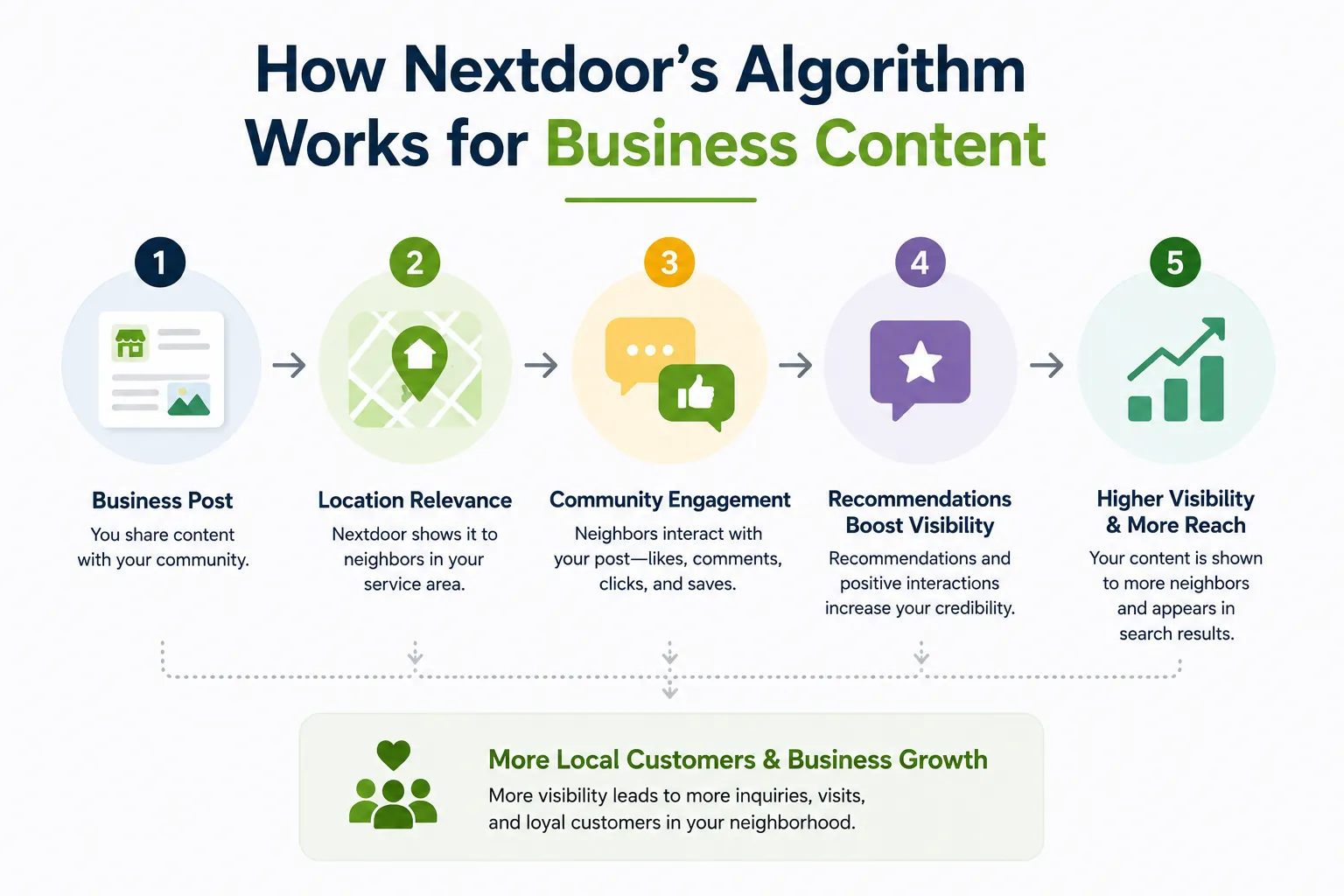
Understanding how Nextdoor decides which business content to show residents helps you get more out of every post.
Relevance to location comes first Nextdoor’s algorithm prioritises content that is relevant to the resident’s specific neighbourhood. A post from a business located in or near that neighbourhood will always outperform one from further away, regardless of how good the content is.
Engagement signals matter Posts that receive likes, comments, and shares are shown to more people within the neighbourhood. This means content that is genuinely useful, entertaining, or conversational performs much better than purely promotional posts. Residents who feel a post adds value to the community are more likely to engage with it — which then extends its reach automatically.
Recommendations boost visibility significantly Every recommendation your business receives on Nextdoor improves your ranking in local business searches. Businesses with five or more recommendations appear more prominently than those with none — regardless of how active their Business Page is.
Recent activity is rewarded Businesses that post regularly and respond to comments and recommendations consistently are treated as more active and relevant by the platform. A business that posts once and disappears will quickly fall behind one that posts two or three times a week.
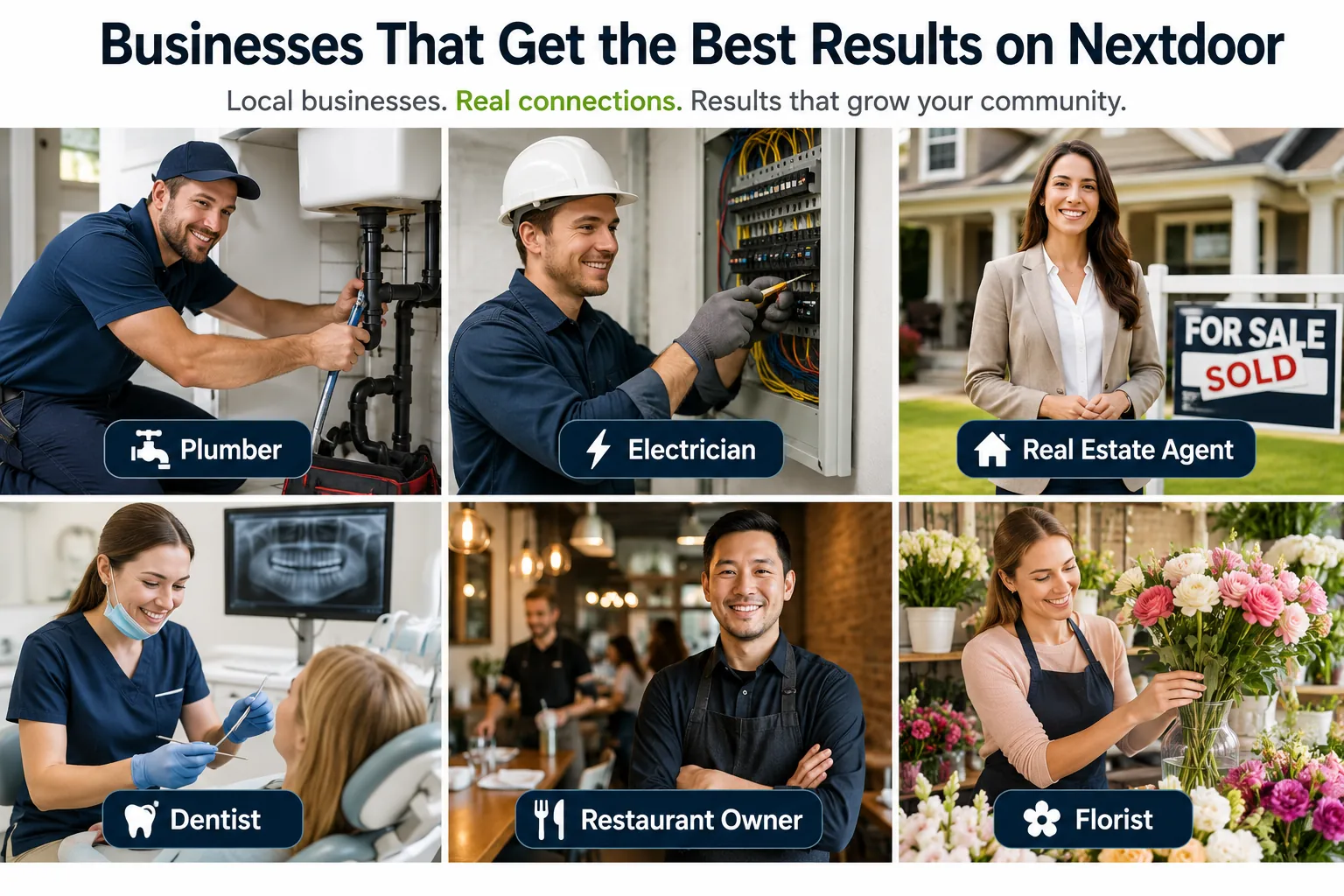
What Types of Businesses Get the Best Results on Nextdoor
Nextdoor works best for businesses that have a genuine local service area. These categories consistently see the strongest results:
- Home services — plumbers, electricians, cleaners, painters, landscapers, pest control. These businesses rely almost entirely on local customers, and Nextdoor is where their customers go for trusted local recommendations.
- Real estate agents and property managers — Nextdoor is one of the most effective platforms in real estate because residents are actively interested in local property market activity. Agents who build a strong Nextdoor presence generate referrals and recognition that is very difficult to replicate through any other channel.
- Restaurants and food businesses — local dining is one of the most recommended categories on Nextdoor. A restaurant with strong Nextdoor recommendations and active community engagement consistently attracts new local customers.
- Health and wellness — dentists, physiotherapists, gyms, yoga studios, and personal trainers all perform well because people prefer local health services they have seen recommended by someone they live near.
- Childcare and education — nurseries, tutors, after-school clubs, and activity programmes benefit enormously from Nextdoor’s neighbourhood trust model. Parents specifically seek recommendations from neighbours when choosing services for their children.
- Local retail and independent shops — boutiques, florists, bakeries, and independent retailers use Nextdoor to build loyal local followings and compete effectively against larger chains without a significant advertising budget.
The One Limitation Every Business Needs to Know
Nextdoor is a powerful platform for local marketing. But it has one built-in limitation that businesses with a wider service area — or agencies managing multiple local clients — will hit quickly.
One standard account covers one neighbourhood.
If your business operates across multiple postcodes, zip codes, or towns — or if you are a marketing agency running Nextdoor campaigns for several clients in different areas — a single account restricts your reach to a single location. Every other neighbourhood you want to reach requires a separate, verified presence on the platform.
This is the most common reason why businesses and agencies that are serious about scaling their Nextdoor marketing use verified Nextdoor accounts to extend their reach across multiple neighbourhoods simultaneously.
If you are at that point in your Nextdoor strategy, Bulk PVA Shop provides verified Nextdoor accounts are available in any quantity and delivered within 24 hours.
Tips for Getting the Best Results on Nextdoor
Whether you are just starting out or looking to improve results you are already getting, these are the habits that make the biggest difference:
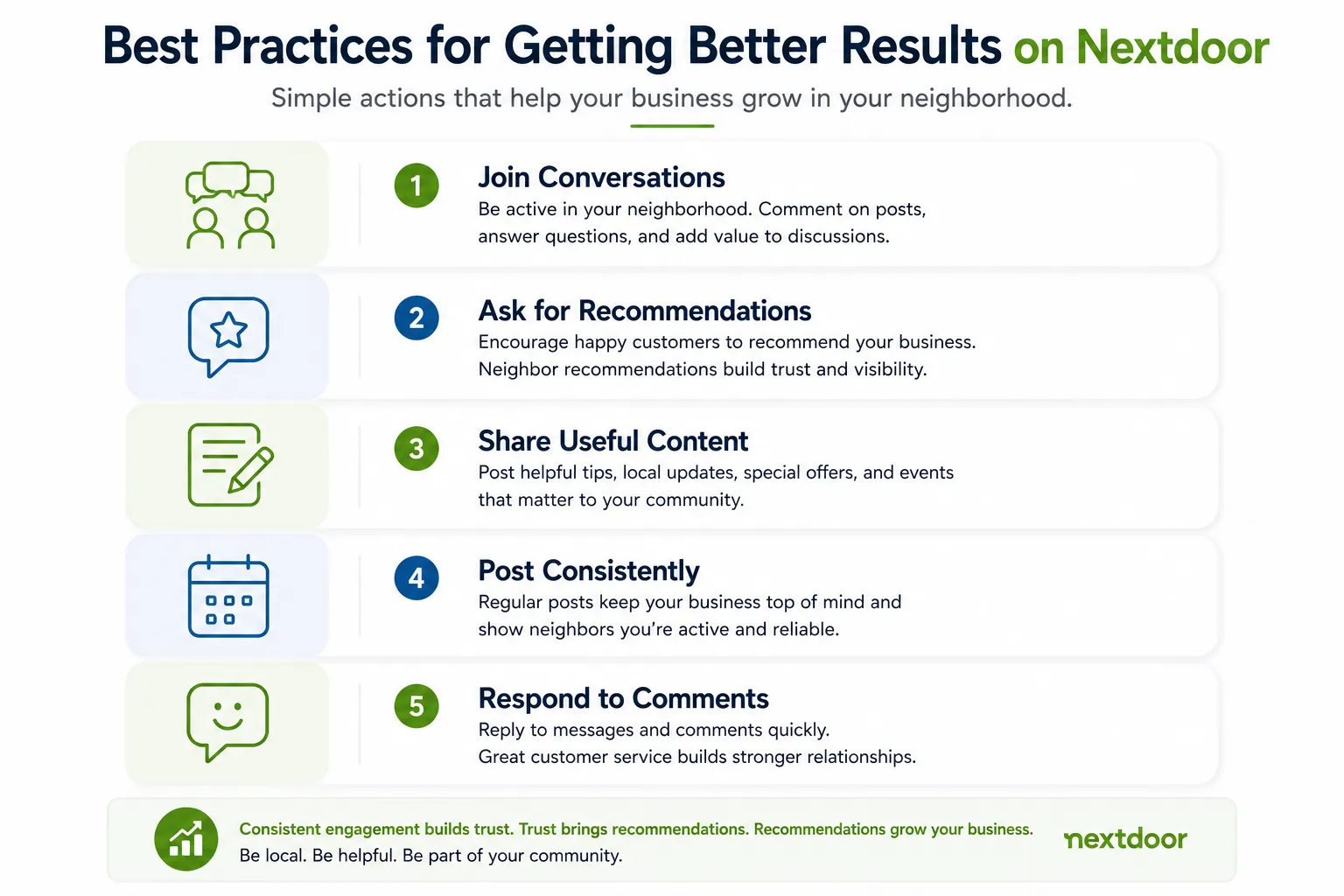
- Be a member of the community first — not just a business The businesses that do best on Nextdoor are the ones that participate in community conversations before they promote anything. Comment on local topics. Answer questions. Offer useful advice. When residents see your business as a genuine part of the neighbourhood, they are far more likely to recommend you and engage with your posts.
- Ask for recommendations — the right way After completing a job or serving a customer, let them know you are on Nextdoor and ask if they would be willing to leave a recommendation. A simple, genuine request — “If you were happy with the work, I would really appreciate a recommendation on Nextdoor” — is all it takes. Never offer incentives in exchange for recommendations, as this goes against Nextdoor’s guidelines.
- Post content that helps your neighbourhood Posts that educate, inform, or entertain perform far better than direct promotional posts. A plumber posting “5 signs your pipes need attention before winter” will get far more engagement than “We offer plumbing services — call us today.” Useful content builds trust. Trust builds recommendations. Recommendations bring customers.
- Post consistently — not just when you need business Businesses that only post when they have a slow week are obvious to residents. Aim for two to three posts per week, covering a mix of helpful content, community engagement, and occasional promotion. Consistency builds familiarity, and familiarity builds trust on a neighbourhood platform.
- Respond to every recommendation and comment When a resident takes the time to recommend your business or comment on your post, respond promptly and personally. A quick thank-you to a recommendation shows new visitors that your business cares about its customers — which makes the recommendation even more persuasive.
Frequently Asked Questions
Q: How does Nextdoor work for businesses?
A: Nextdoor gives businesses a free Business Page that appears to verified residents in their local area. Businesses can post updates, receive recommendations from local customers, respond to neighbour questions, and appear in local business searches. Paid options including Local Deals and Neighbourhood Sponsorships are also available for businesses that want to extend their reach beyond organic content.
Q: Is Nextdoor free for businesses?
A: Yes. Creating a Business Page and using Nextdoor’s organic features — posting content, receiving recommendations, appearing in local searches — is completely free. Paid promotion options are available for businesses that want additional reach, but most small businesses see strong results from the free tools alone before needing to pay for anything.
Q: How do I get my business found on Nextdoor?
A: The most effective ways to get found on Nextdoor are to complete your Business Page fully, actively earn recommendations from satisfied customers, post helpful content regularly, and participate in local community conversations. Businesses with several recommendations and consistent activity rank higher in Nextdoor’s local business search results.
Q: How many neighbourhoods can one Nextdoor business account cover?
A: A standard Nextdoor Business Page covers the neighbourhood where your business address is located, plus immediately adjacent neighbourhoods in some cases. Businesses that need to reach multiple zip codes, towns, or regions — or agencies managing campaigns for clients in different areas — typically use verified Nextdoor accounts to extend reach across multiple neighbourhoods simultaneously.
Q: What is the difference between Nextdoor free and paid promotion?
A: Free Nextdoor marketing means posting organic content, earning recommendations, and engaging with local conversations at no cost. Paid options — Local Deals and Neighbourhood Sponsorships — give your business promoted placement in local news feeds and digest emails. Free tools work well for building long-term presence. Paid options are better for generating fast, short-term local visibility.
Q: How long does it take to see results from Nextdoor?
A: Most businesses that follow a consistent strategy — completing their profile, earning five or more recommendations, and posting two to three times per week — begin to see meaningful results within four to eight weeks. Businesses in high-demand local categories like home services and real estate often see results faster.
Q: Do Nextdoor recommendations really make a difference?
A: Yes — significantly. Nextdoor recommendations are one of the most trusted forms of social proof available to local businesses. Because every Nextdoor member is a verified resident, a recommendation from a neighbour carries more weight than an anonymous online review. Businesses with ten or more recommendations consistently outperform those with none in both search ranking and customer conversion.
Q: Can I use Nextdoor to market my business in a different area from where I am based?
A: Standard Nextdoor Business Pages are tied to your registered business address and primarily reach the surrounding neighbourhood. Businesses targeting customers in areas outside their registered location typically use verified Nextdoor accounts linked to those specific neighbourhoods to reach local residents there directly.
The Bottom Line
Nextdoor works for businesses because it does something no other platform can — it puts you directly in front of the verified residents who live nearest to your business. The free tools are genuinely powerful. The community trust built through recommendations is real. And the local targeting is more precise than anything paid social advertising offers.
The businesses that get the best results are the ones that show up consistently, help their community, and earn their reputation one recommendation at a time.